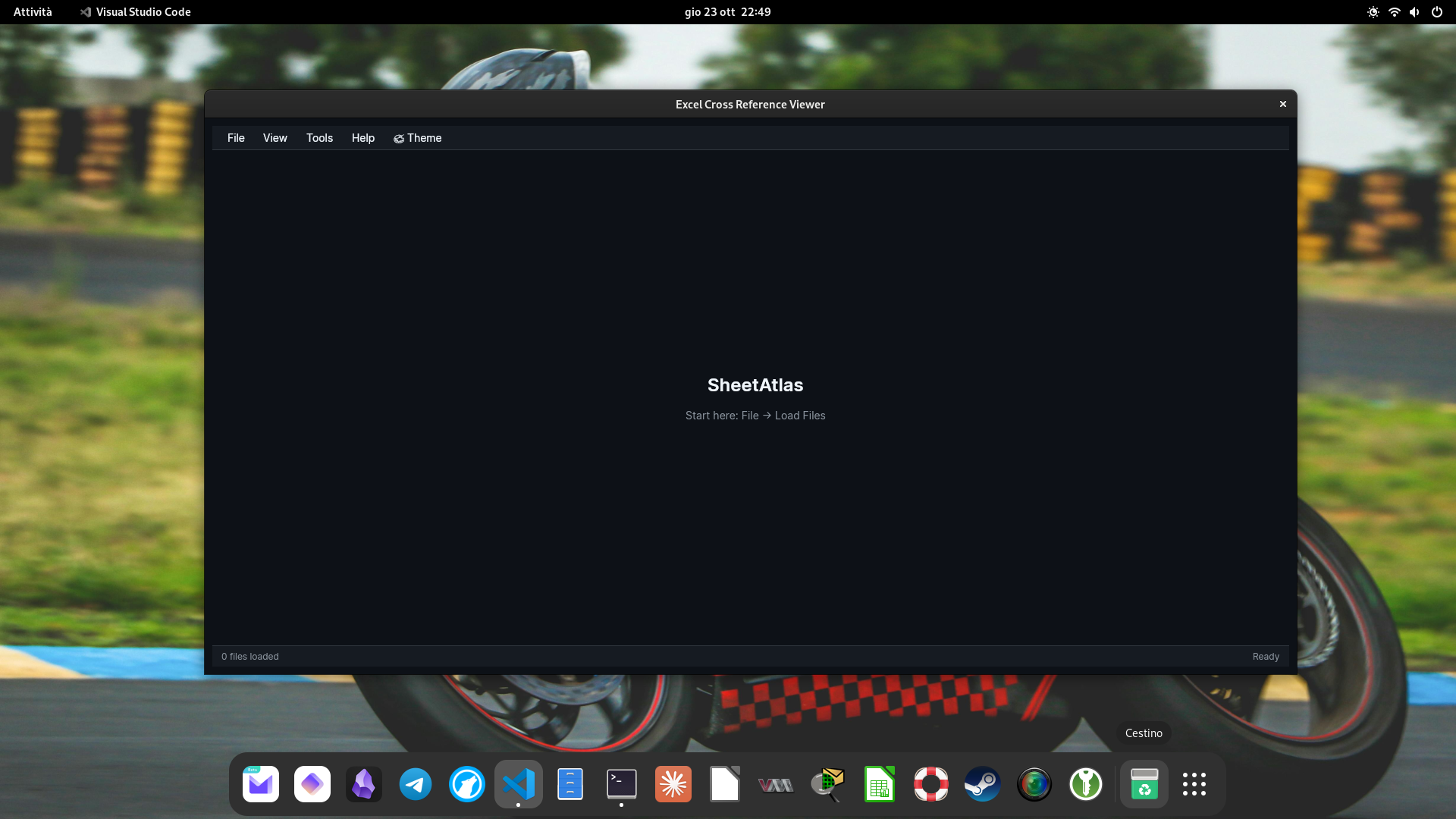
SheetAtlas combines advanced search capabilities, intelligent row comparison, and privacy-first offline processing into a single cross-platform tool. Discover how each feature helps you work more efficiently with Excel data.
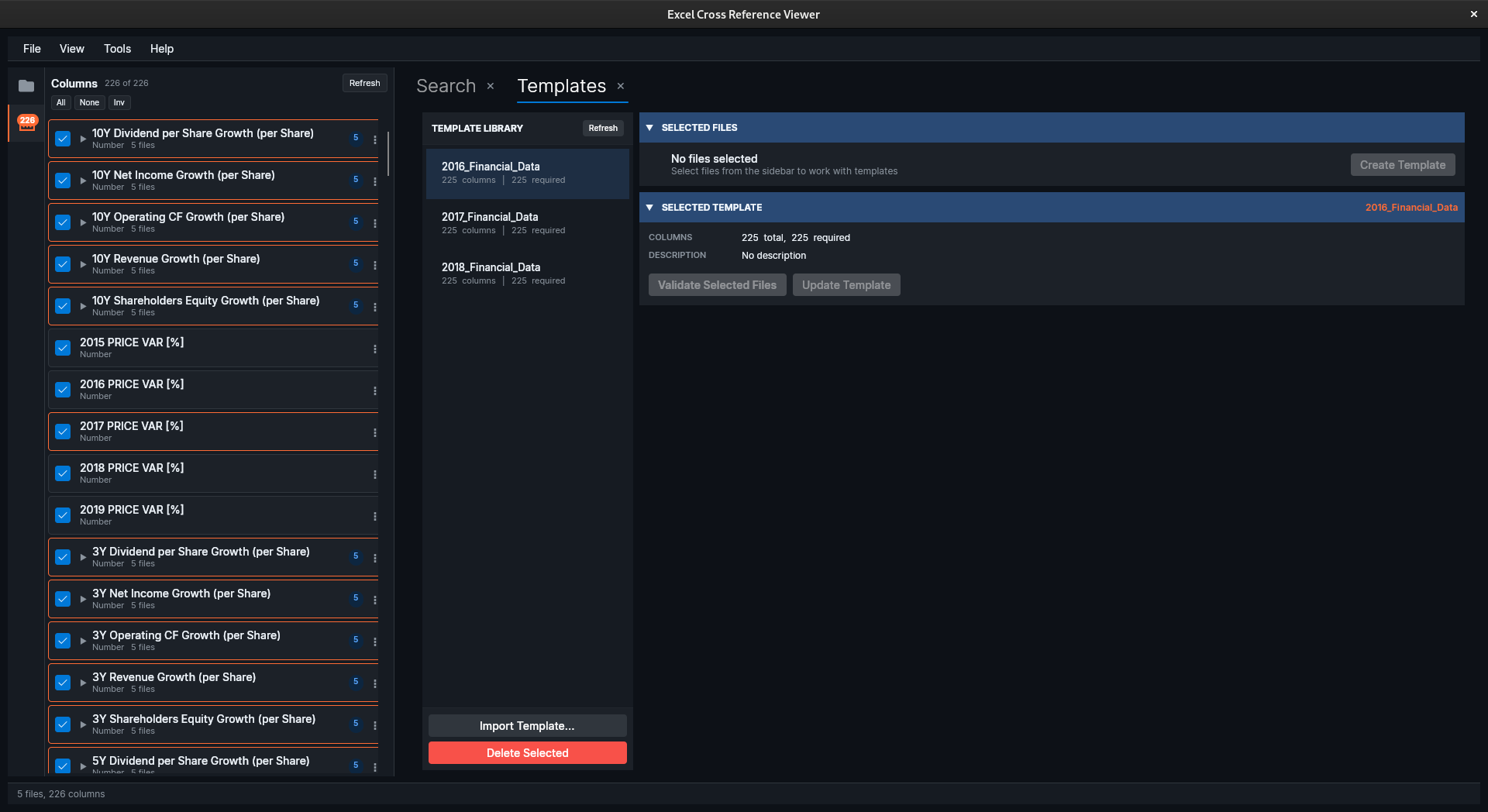
Load multiple Excel files (.xlsx, .xls) and CSV files simultaneously. SheetAtlas handles all your spreadsheets in one workspace, making it easy to search and compare data across different sources.
Multiple Excel files loaded and ready for search and comparison
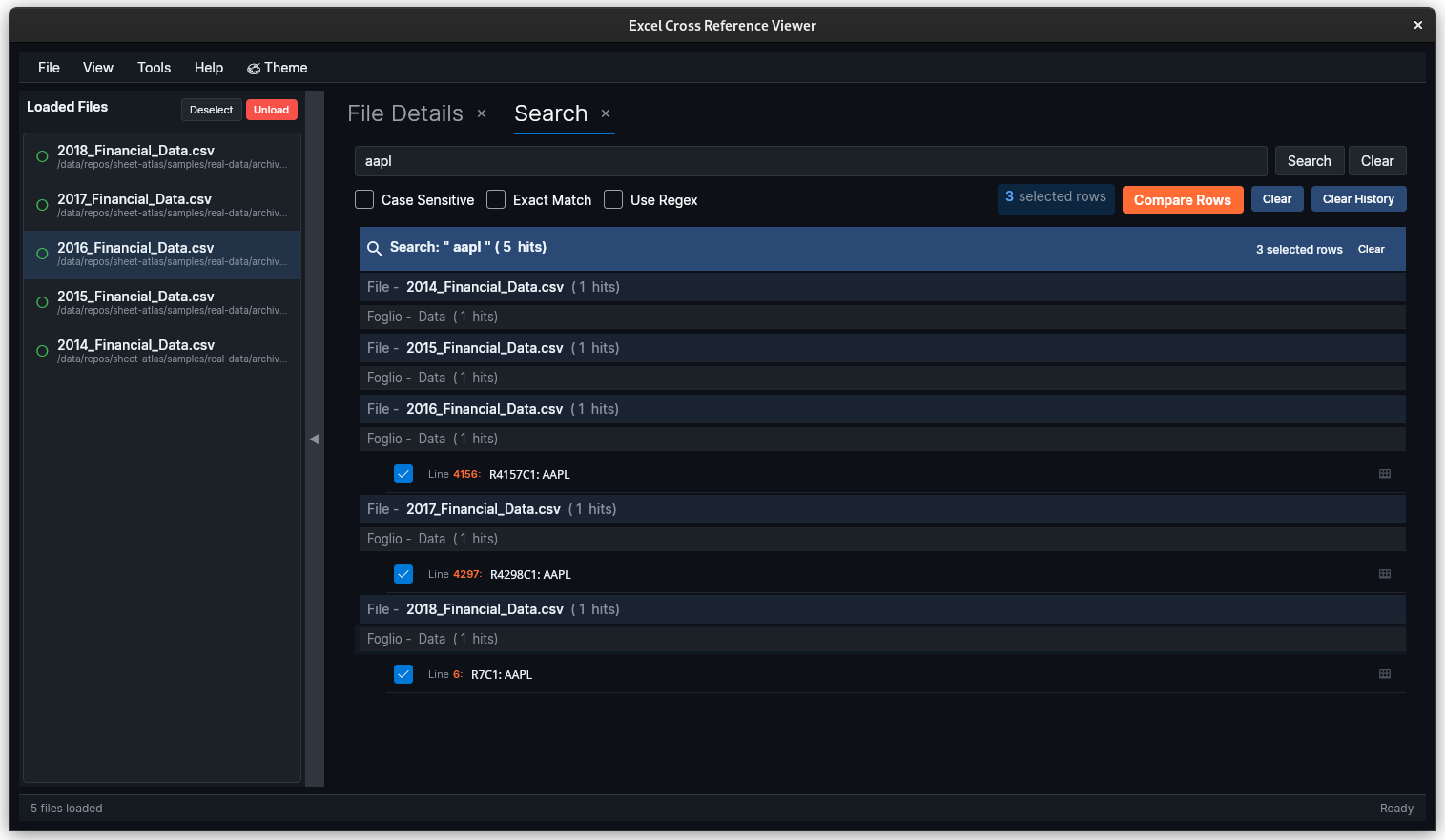
Search across all loaded files, worksheets, and cells with powerful pattern matching. The tree-view results make it easy to navigate findings organized by file, sheet, row, and column.
\d{4}-\d{2}-\d{2} → Find dates in YYYY-MM-DD format[A-Z]{2}\d{6} → Find IDs like AB123456^(error|warning|fail) → Find cells starting with error keywords\b\d{1,3}(,\d{3})*(\.\d{2})?\b → Find formatted numbersSearch results are organized hierarchically: File → Sheet → Row → Column. Expand nodes to drill down, click to jump directly to matching cells. Perfect for understanding the context of your findings.
Tree-organized search results showing matches across files and sheets
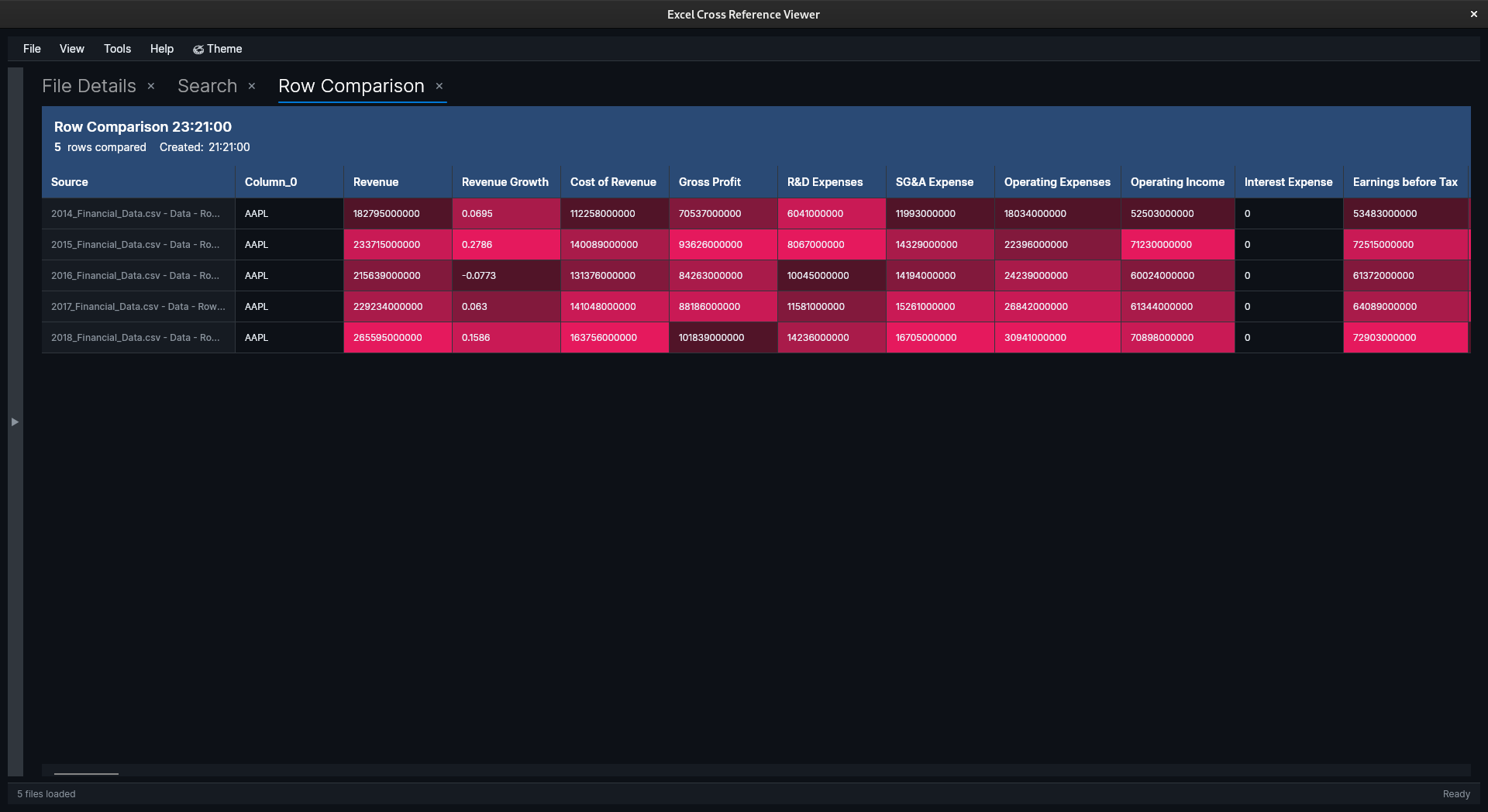
Compare rows from different Excel files with automatic column header mapping. SheetAtlas highlights differences and similarities, making it easy to spot data discrepancies even when column orders differ.
Traditional Excel comparison tools fail when column order changes. SheetAtlas maps columns by header name, so you can compare "Customer Name" to "Customer Name" even if one is in column A and the other in column F. This is essential for real-world data comparison.
Side-by-side row comparison with intelligent column mapping and visual diff highlighting
Complete data privacy with no cloud dependencies
All file processing happens on your machine. Your sensitive data never touches external servers. Perfect for confidential spreadsheets.
Works completely offline once installed. Ideal for air-gapped systems and secure environments where connectivity is restricted.
No usage tracking. Future diagnostic features will be opt-in and never include file content.
Ideal for sensitive data: Finance departments, healthcare organizations, legal firms, defense contractors, and anyone handling confidential information can use SheetAtlas with confidence. Your Excel files are processed entirely on your local machine with zero external dependencies.
Native performance on Windows, Linux, and macOS
Powered by modern .NET 8 framework for excellent performance and reliability. Self-contained deployment means no additional runtimes required - everything you need is included in the installer.
Clean, responsive interface built with Avalonia UI. Native look and feel on each platform while maintaining consistent functionality. Fluent Design inspired aesthetics for a modern user experience.
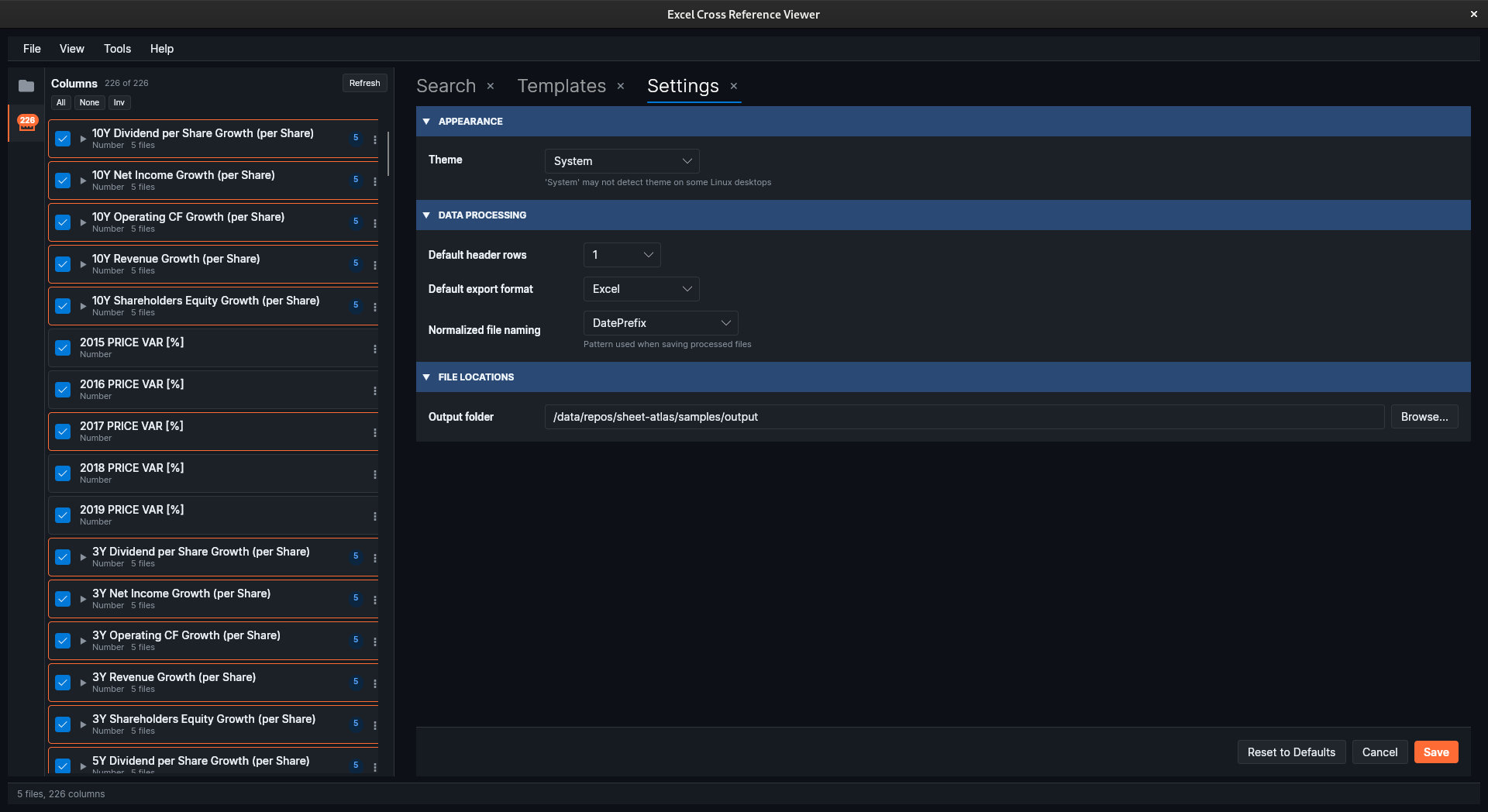
Full support for light and dark color schemes. Toggle themes based on your preference or system settings. Reduces eye strain during extended analysis sessions.
Understanding our focus: data search and comparison, not editing
| Feature | SheetAtlas | Notes |
|---|---|---|
| Multi-file search | Yes | Search across multiple Excel files simultaneously |
| Regex support | Yes | Advanced pattern matching for complex queries |
| Row comparison | Yes | With intelligent column mapping across different file structures |
| 100% offline | Yes | All processing happens locally, no cloud upload required |
| Cross-platform | Yes | Windows, Linux, and macOS support |
| Free & open source | Yes | MIT license, fully open source |
| Cell editing | No | Read-only tool - use Excel for editing |
| Formula calculation | No | Shows calculated values, not formulas |
| Charts and graphs | No | Focus on data comparison, not visualization |
| Pivot tables | No | Use Excel for data aggregation and pivot tables |
SheetAtlas complements Excel - it's designed for scenarios where you need to find data across multiple files or compare rows between different spreadsheets. For editing, formulas, charts, and other Excel features, continue using Excel or your preferred spreadsheet software.
Download for free and start analyzing your Excel files with advanced search and comparison tools. No registration required, no cloud upload, 100% private.